
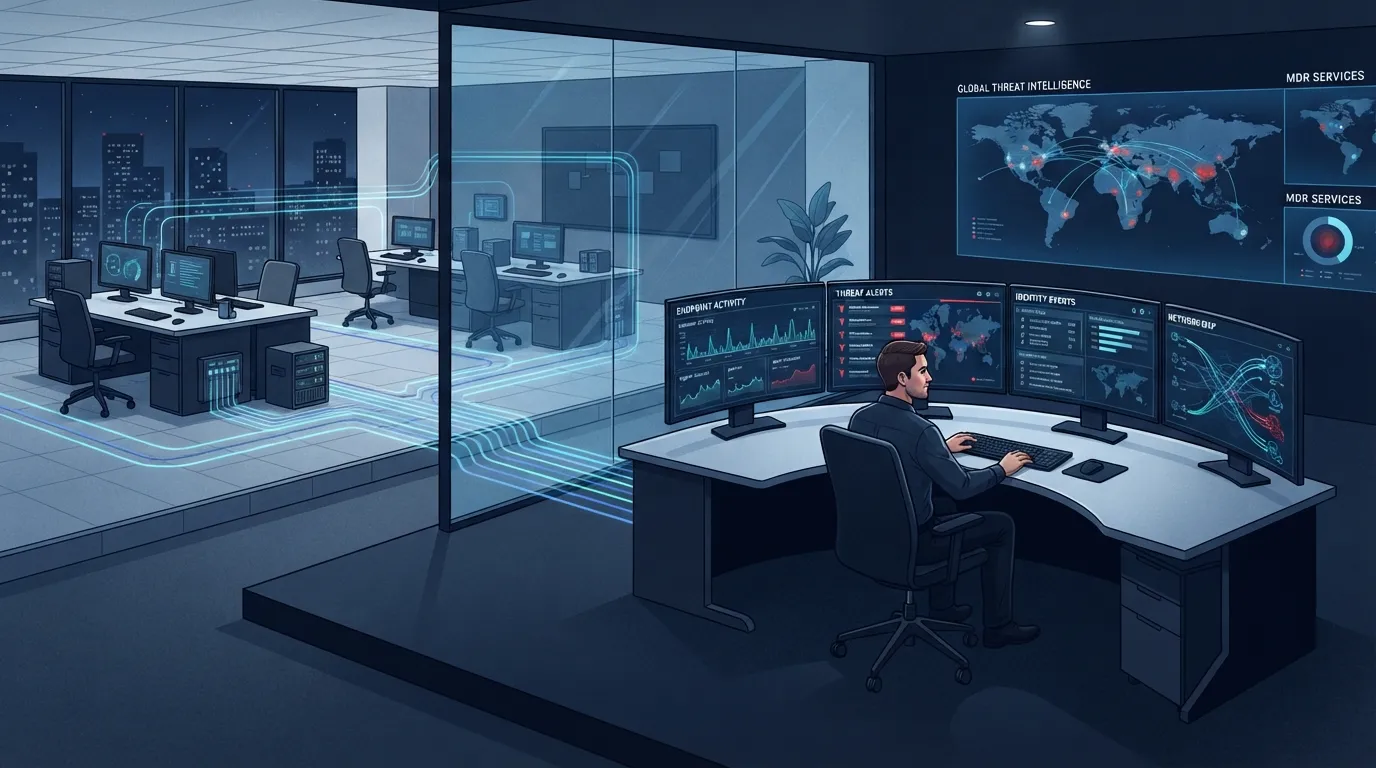
MDR (managed detection and response) is a service where a 24/7 security team watches your computers and network for attacks, investigates alerts, and shuts down threats before they spread. You get the software plus the humans who actually respond at 3 a.m. That last part is the whole point.
Plenty of businesses already own good security tools. Far fewer have anyone watching them overnight, on weekends, or during the Thanksgiving week when most ransomware crews time their attacks. MDR closes that gap without hiring a security team, and for most companies under 200 employees it’s the most realistic way to get real detection coverage. We’ll explain how it works, what it does and doesn’t include, and how to tell if you need it, drawing on what we see running 24/7 managed detection and response for offices across DFW.
What is MDR in plain English?
MDR combines three things: detection software installed on your devices, a security operations center (SOC) staffed around the clock, and an agreed playbook for what those analysts do when something looks wrong. The software finds suspicious behavior. The humans decide whether it’s a real attack. Then they act, usually by isolating the infected machine from your network within minutes.
Think of it like a monitored alarm system for your computers. A siren on the wall makes noise. A monitored alarm gets a human to call the police. Same distinction.
The “response” in the name is what separates MDR from older monitoring services. A legacy monitoring vendor emails you an alert and considers the job done. If that email lands at 2 a.m. on a Saturday, nobody reads it until Monday, and by Monday the attacker has had 54 hours inside your network. An MDR analyst doesn’t email and wait. They cut the machine off first, then call you.
How does MDR actually work day to day?
Most days, quietly. Here’s the typical flow when something does happen:
- A sensor fires. The EDR agent on a workstation flags behavior that doesn’t fit: a Word document spawning PowerShell, a login from an impossible location, files being encrypted in bulk.
- The SOC triages it. An analyst pulls the timeline. Was that PowerShell a payroll macro the bookkeeper runs every other Friday, or something new? This step is why MDR produces so few false alarms compared to raw tooling. Software can’t tell your quirky legacy app from malware. A person with context can.
- Containment happens fast. If it’s real, the analyst isolates the endpoint. It stays powered on (preserving evidence) but can’t talk to anything else on your network.
- You get a call, not a ticket. A real conversation: here’s what happened, here’s what we did, here’s what we need from you.
- Root cause and cleanup. How did it get in, what did it touch, what needs credentials rotated. Then the hole gets closed.
The speed matters more than any other feature. IBM’s most recent Cost of a Data Breach research puts the average time to identify and contain a breach at well over 250 days across all organizations (IBM). The damage scales with dwell time. MDR exists to turn 250 days into 25 minutes.
MDR vs EDR: what’s the difference?
EDR is the tool. MDR is the tool plus the people running it. Endpoint detection and response software collects and flags suspicious activity, but it doesn’t investigate itself. MDR wraps that software in a staffed SOC that triages, hunts, and contains around the clock. Buying EDR without anyone watching it is buying a smoke detector with no batteries in the building next door.
We wrote a full breakdown of why legacy antivirus stopped being enough and where EDR fits. The short version for this article:
| Antivirus | EDR alone | MDR | |
|---|---|---|---|
| Blocks known malware | Yes | Yes | Yes |
| Detects behavior-based attacks | No | Yes | Yes |
| Someone investigates alerts | No | Only if you staff it | Yes, 24/7 |
| Overnight containment | No | No | Yes |
| Threat hunting | No | No | Usually included |
| Realistic for a 30-person office | Yes | Rarely | Yes |
Our take: the most dangerous setup we walk into isn’t the office with no security. It’s the office that bought a premium EDR license two years ago, never assigned anyone to the console, and has 1,400 unreviewed alerts sitting in it. They’re paying for detection and getting none. If you can’t name the person who reviews your alerts before lunch every day, you have EDR-shaped shelfware, not protection.
What about MDR vs MSSP?
An MSSP (managed security service provider) is a broader category: firewall management, compliance reporting, log retention, sometimes a SOC. MDR is narrower and deeper, focused specifically on detecting and stopping active threats on endpoints and identities. Many MSSPs now sell MDR as a product line, which muddies the labels. If you’re sorting out the MSP vs MSSP question for your business, the practical test is simpler than the acronyms: ask any vendor “who watches at night, and what exactly do they do without waking me up?” The quality of that answer tells you what you’re buying.
What does MDR typically cover?
A solid MDR service in our market usually includes endpoint coverage (workstations and servers), identity monitoring (Microsoft 365 logins are where most small-business attacks start now), alert triage with human eyes, containment authority you pre-approve, and periodic threat hunting where analysts search for attackers who slipped past automated detection.
What it usually does not include, and where owners get surprised: full incident recovery (rebuilding servers after ransomware is a separate project), backup management, employee security training, firewall administration, and compliance paperwork. MDR finds and stops the intruder. Putting the house back together afterward is different work. That’s why we treat MDR as one layer in our full small business cybersecurity playbook, not the whole plan.
What does MDR cost?
For small and mid-size businesses in our market, expect quotes in the $8–$20 per endpoint per month range for MDR layered onto an existing security stack, with some premium SOC services running higher. A 25-computer office is typically looking at $200–$500 monthly. Standalone contracts with big-name SOC brands can run 2–3x that. It’s frequently bundled inside a managed security plan rather than sold à la carte, which is usually the better per-dollar deal for anyone under 100 seats.
Against the alternative, the math is lopsided. One entry-level in-house security analyst in DFW costs $75,000–$95,000 a year and covers 40 of the week’s 168 hours. Awake.
Does a small business really need MDR?
If your business would be seriously hurt by three days of locked systems or a drained bank account, yes, you need someone watching after hours, and MDR is the affordable way to get it. Attackers deliberately target nights, weekends, and holidays precisely because most small companies have zero coverage then. CISA’s guidance for organizations of every size now treats continuous monitoring as baseline practice, not an enterprise luxury (CISA).
Here’s the field version of that answer. A 45-person machining and fabrication shop in Arlington, the kind of business that supplies the aerospace and automotive plants nearby, runs quoting, scheduling, and payroll on a handful of servers. An attacker who lands there Friday night has all weekend to spread. With no detection, Monday morning starts with encrypted files and a ransom note. With MDR, Saturday 1:14 a.m. starts with one workstation quietly cut off the network and a phone call the owner can go back to sleep after. We’ve seen both Mondays. If you’re weighing it for your own shop, our team that handles IT support in Arlington will walk through what your current stack would and wouldn’t catch, no charge.
If it were our building: under 10 employees with no server and clean cloud-only operations, we’d prioritize MFA everywhere, hardened Microsoft 365, and tested backups before paying for MDR. Everybody else, and absolutely anyone with servers, compliance obligations, or wire-transfer authority in email, gets MDR before they get a nicer firewall. Firewalls are walls. Attackers log in through the front door now.
How to evaluate an MDR provider
Four questions do most of the work. What’s your median time from alert to containment (minutes, not hours, is the right answer)? Do your analysts have standing authority to isolate a machine at 3 a.m., or do they wait for my approval while the attack spreads? Do you monitor Microsoft 365 identity, or endpoints only? And what happens after containment, meaning who does recovery and what does that cost?
A provider who answers all four crisply is worth shortlisting. A provider who answers with tool brand names instead of process is selling you software with a markup.
Frequently Asked Questions
What does MDR stand for in cybersecurity?
Is MDR the same as antivirus?
How much does MDR cost for a small business?
Can MDR stop ransomware?
Do I need MDR if I already have EDR?
Want to know exactly what your current setup would catch on a Saturday night, and what it would miss? Book a free consultation with our security team and we’ll map it honestly.