
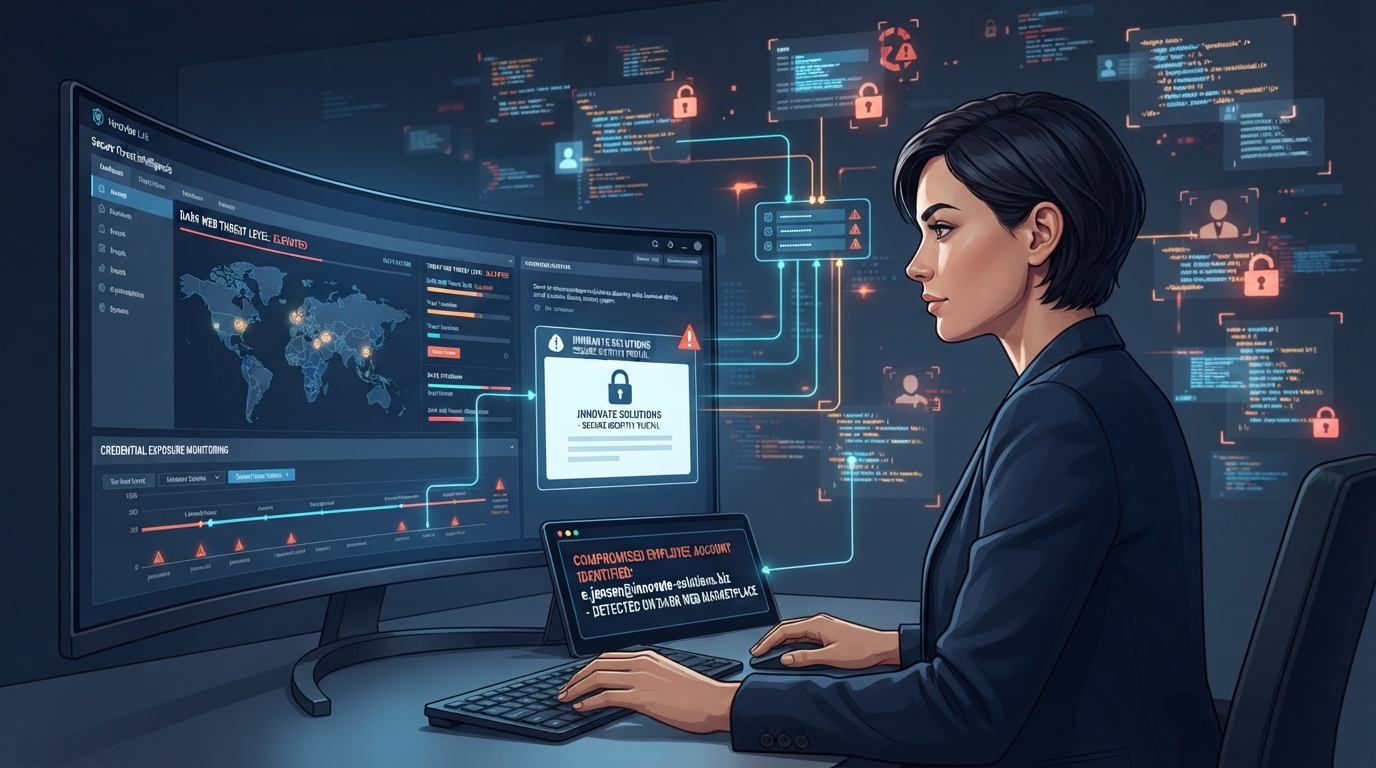
Dark web monitoring is a service that continuously scans criminal marketplaces, breach dumps, and hacker forums for your company’s stolen credentials, then alerts you so you can change passwords before criminals use them. It’s an early-warning system, not a shield. Useful, cheap, and widely oversold.
That mix of “genuinely useful” and “oversold” is why this article exists. Owners either dismiss dark web monitoring as spy-movie theater or buy it believing it removes their data from the internet, and both are wrong. Here’s what it actually does, what it can’t do, and the honest version of whether your business needs it.
What is the dark web, in one minute?
The dark web is the slice of the internet reachable only through anonymizing software like Tor, where sites don’t appear in Google and visitors are hard to trace. It hosts plenty of mundane and even legitimate activity, but it’s also where stolen data gets sold: credential dumps from breached websites, “combo lists” of emails and passwords, stolen credit cards, and access to already-compromised company networks, listed for sale like used trucks.
Your employees’ work emails and passwords end up there without your company ever being hacked. When a third-party site gets breached (a shipping portal, an industry forum, a food-delivery app someone signed up for with their work email), every credential in that breach gets packaged and traded. If your project manager reused their work password on that breached forum, criminals now hold a working key to your Microsoft 365.
That reuse pattern is why stolen credentials rank among the leading ways breaches actually begin, year after year, in Verizon’s Data Breach Investigations Report (Verizon DBIR). Attackers don’t break in. They log in.
How does dark web monitoring work?
Monitoring services maintain automated collectors (and, at the higher end, human analysts) across breach databases, criminal forums, paste sites, and Telegram channels where dumps circulate. You register your domain, say yourcompany.com, and the service continuously matches new dumps against it. When [email protected] with a password surfaces in a fresh dump, you get an alert: which account, which breach it came from when known, how recent, and whether the password appears in plain text.
The response is th valuable part. An alert that triggers an immediate forced password reset and an MFA check on that account has real protective value. An alert that lands in an unread report PDF has none. Same service, opposite outcomes.
What dark web monitoring can and can’t do
| Can do | Can’t do |
|---|---|
| Alert you when employee credentials appear in dumps | Remove anything from the dark web, ever |
| Reveal which staff reuse passwords on outside sites | Stop a breach that’s already using the credentials |
| Catch exposures from third-party breaches you’d never hear about | See private criminal channels that don’t leak |
| Provide evidence trails useful for insurance and compliance | Replace MFA, EDR, or training |
| Cost very little | Justify its cost without a response process attached |
The “can’t remove anything” point deserves a plain statement, because sales pitches blur it: once data is dumped, it’s copied infinitely and it is never coming back. Monitoring tells you the horse left the barn quickly enough to change the locks the horse’s key opens. That’s the entire, and entirely worthwhile, value.
Our take: dark web monitoring is a $2 layer that makes your $0 policy decision matter. The alert is worthless without a standing rule that exposed credentials get reset same-day and checked for MFA. We’ve reviewed monitoring reports at new-client walkthroughs showing exposures flagged eight months earlier, still unresolved, password still valid. That business paid for an alarm and unplugged the speaker.
What does a dark web scan for business cost?
A one-time dark web scan for business is commonly free; providers (us included) use it as an assessment because the results are reliably persuasive. Ongoing monitoring in our market typically runs $1–$4 per employee per month standalone, and it’s very frequently bundled at no visible line item inside managed security plans. Enterprise threat-intelligence platforms with human analysts run far higher, and almost no business under 200 employees needs them.
Fair warning drawn from a real pattern: the scan-as-scare-tactic. Some sales teams present a pile of ancient exposures from 2016 breaches as an emergency requiring a five-figure security contract today. Old exposures for accounts with since-changed passwords and MFA are history, not emergencies. Recent dumps with current passwords are the ones that matter. A trustworthy provider will tell you which is which.
So does your business actually need it?
If your team uses email and passwords, monitoring is worth having, priced accordingly, meaning cheap and probably bundled. It earns its keep hardest for businesses where a single compromised login moves money or data: bookkeeping and finance roles, anyone with wire authority, healthcare and legal practices, and executives, whose credentials trade at a premium.
Where it sits in priority order matters more than whether to buy it. MFA everywhere beats it. EDR beats it. Tested backups beat it. Monitoring is the cheap fourth layer, not a substitute for the first three, which is exactly how it’s positioned in the full small business security playbook. It also shows up increasingly as a checkbox on carrier questionnaires, alongside what insurers now demand before writing a policy, where “we monitor and force-reset exposed credentials” is an easy, honest yes.
A worked example of the payoff shape: an industrial supply company in Waco, about 40 employees, had its office manager’s work email surface in a dump from a breached vendor portal, with the password in plain text. Same password as her Microsoft 365. She had wire-release duties for supplier payments. The alert fired on a Tuesday, the reset happened within the hour, MFA got added to the two accounts that lacked it, and the whole event cost fifteen minutes. The version of that story without monitoring tends to end with a fraudulent payment run and a Texas breach-notification clock, which, worth knowing, gives you 60 days to notify affected individuals under Tex. Bus. & Com. Code § 521.053 (Texas statutes). Businesses out that way lean on our managed IT services in Waco team for exactly this kind of quiet, boring save.
If it were our building: monitoring on, bundled, with two non-negotiable process rules. Exposed credential means same-day forced reset, no exceptions, no “I’ll get to it.” And any exposure involving a finance or admin account triggers a quick review of recent sign-in logs, because the dump you’re reading may not be brand new, and the question isn’t only “change the password” but “did anyone already use it.”
Frequently Asked Questions
What does dark web monitoring actually do?
Can you remove your information from the dark web?
Is dark web monitoring worth it for a small business?
How do employee passwords end up on the dark web?
How much does a dark web scan cost?
Want to see what’s already out there with your domain on it? We’ll run the scan free and walk you through which exposures are history and which need fixing today, as part of our dark web monitoring for business service.