
Mobile access control makes an employee’s smartphone the door credential. Cloud-based access control moves the management software off a back-room server and onto the internet. Together they let you issue or revoke a key from anywhere in about a minute, usually for $5–$15 per door per month in software fees.
They’re sold as one product, but they’re two separate decisions. You can run phone credentials on a system hosted in your own closet, and you can manage plain fobs from the cloud. We install and support cloud access control systems across DFW, and the questions owners ask us are the practical ones. What happens when the internet drops? When a phone dies? When someone won’t install the app? Those answers are below.
How does mobile access control work?
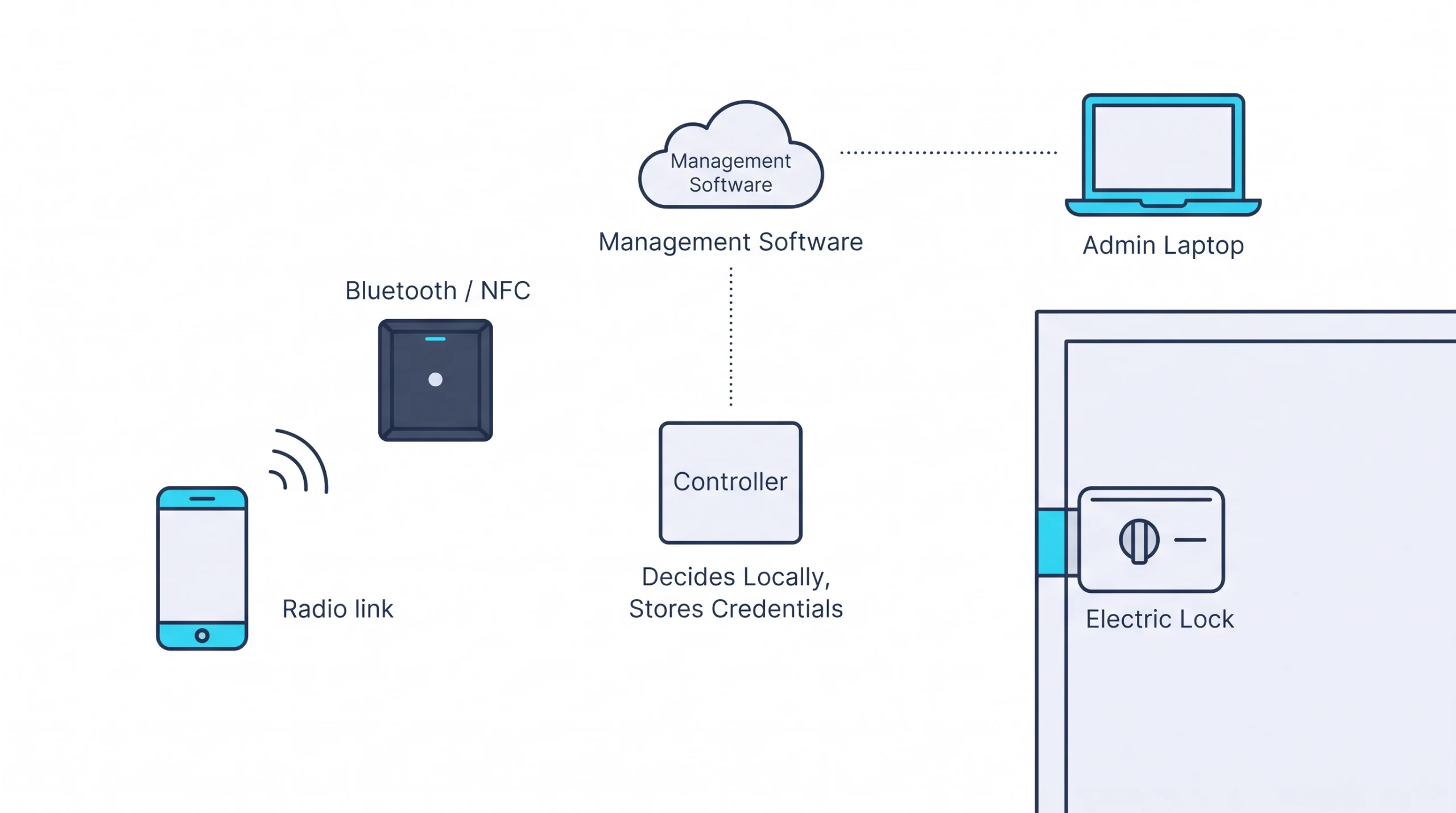
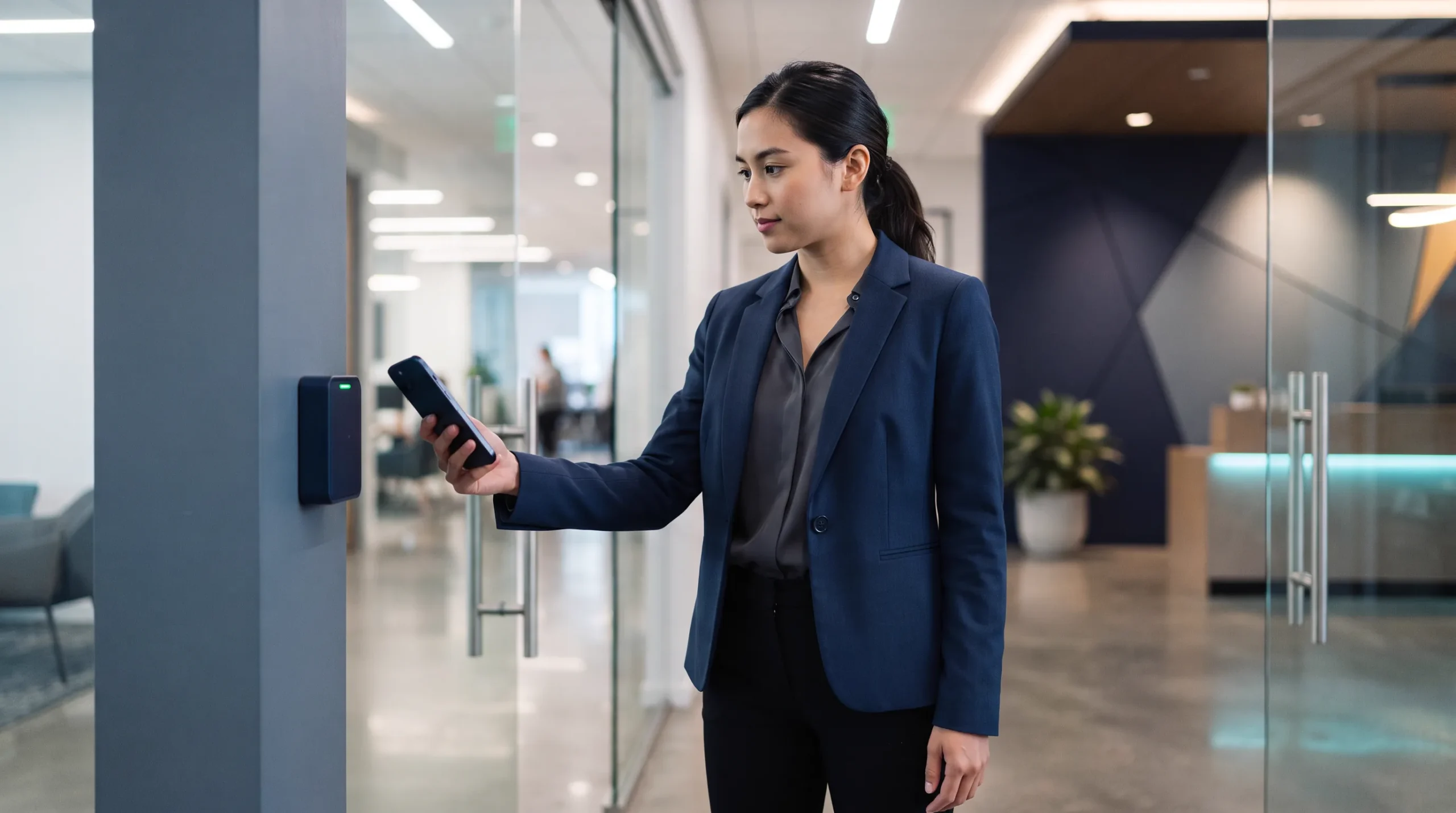
The phone and the reader exchange an encrypted credential over Bluetooth Low Energy or NFC. The reader passes it to a door controller, which checks its stored permission list and releases the lock. The exchange takes about a second, and a credential stored on the phone doesn’t need cell signal at the door.
There are three ways a phone opens a door, and most systems support more than one:
What is cloud-based access control?
Cloud-based access control keeps the door hardware in your building and puts the management software in the vendor’s data center. You sign in through a browser or app to add users, set schedules and pull reports. The controllers at your doors sync with that service over an outbound internet connection.
Our take: go cloud for management unless a compliance rule says otherwise. The on-premise servers we inherit are, more often than not, an unpatched Windows PC under a desk that nobody remembers the password to.
What happens when the internet goes down?
The doors keep working. Controllers store the credential list and schedules locally and make the unlock decision on site, so an outage doesn’t lock anyone out. What you lose until the connection returns is remote management: new users, revocations and live event logs wait in a queue and sync afterward.
A power outage is a different problem with a different fix. The controller, its power supply and the network switch feeding it all need battery backup. If the switch dies, a PoE-powered reader dies with it, cloud or not.
Four questions owners ask before they sign
What if someone’s phone battery dies?
It depends on the credential type. Apple documents that an iPhone with Express Mode may still complete access transactions on power reserve after the battery runs down. A Bluetooth app won’t. Keep a short stack of backup fobs at the front desk, or enable a PIN on one door.
What about staff who won’t use a personal phone?
Some won’t, and you shouldn’t pick that fight. Specify multi-technology readers that accept phones and cards on the same device. Employees who want the app use it. Everyone else gets a fob, and so do the cleaning crew and short-term contractors.
Is a phone safer than a fob?
In most cases, yes. A mobile credential is encrypted and tied to one device, and that device usually sits behind a passcode or face unlock. People also notice a missing phone within the hour, where a lost fob can go unreported for a week. The older 125 kHz fobs still common in DFW office parks can be copied in seconds with a cheap handheld cloner.
What if we stop paying the subscription?
Ask this one in writing before you buy. With some platforms the doors keep running on the last saved configuration and you lose the dashboard. With others the hardware only talks to that vendor’s cloud, so cancelling means replacing controllers. Readers and controllers that use open standards such as OSDP give you somewhere to go.
What it needs from your network
This is the section door-only installers tend to skip, and it’s where projects stall.
Each controller needs a network port, usually PoE, with a reserved address. It needs outbound HTTPS to the vendor’s cloud and nothing inbound, so no ports get opened on your firewall. It belongs on its own VLAN, away from staff laptops and guest Wi-Fi. And the switch it plugs into needs to be on a UPS.
None of that is hard. It’s four small tasks that land on the IT provider while the door installer waits, and with two vendors they can bounce between inboxes for a week. When the same company holds the security license and manages the firewall, they’re done before the readers go on the wall.
A worked example: three sites, one dashboard
Take a pediatric dental group based in Arlington with three offices and 14 controlled doors. Before the upgrade, each office had its own keypad codes, and a hygienist covering a shift at another location borrowed a key from whoever opened.
After: every employee has a mobile credential, assigned through role-based access control so that “Clinical” opens the same doors at all three sites. Covering a shift needs no key handoff. The cleaning company gets six fobs limited to weeknights. When an employee leaves, the office manager revokes access from her phone before the exit interview ends, and because the same team handles the group’s IT support in Arlington, the Microsoft 365 account closes in the same ticket.
At typical market rates, the software for 14 doors runs $70–$210 a month. Hardware pricing depends on the doors themselves, and our access control system cost guide walks through it per door.
Want a number for your building? We’ll walk it and quote it.
If it were our building: mobile credentials for employees, fobs for vendors, a UPS behind every controller, and a signed answer to the subscription question before the purchase order goes out.