
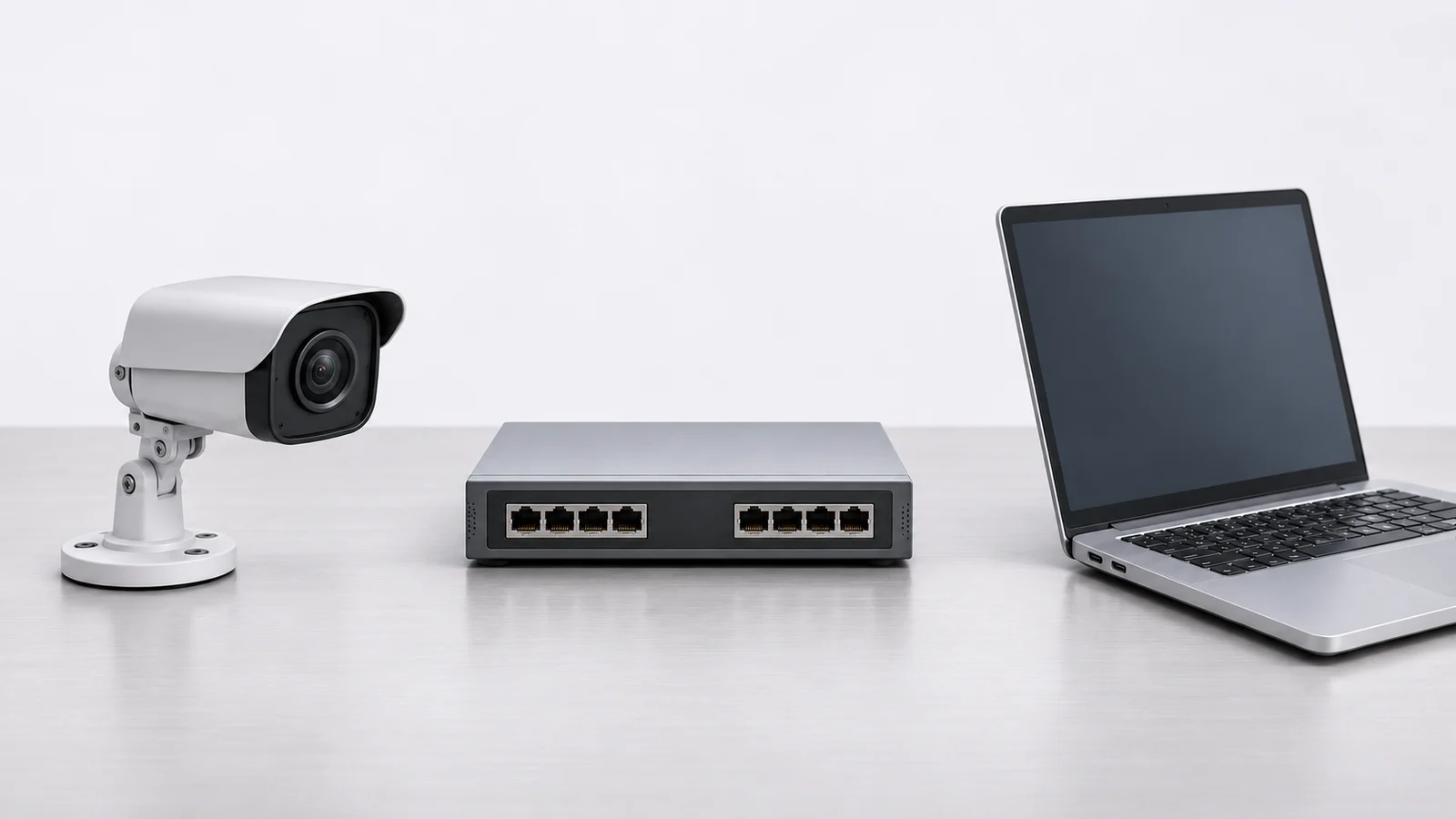
Business cameras should usually have deliberately restricted communication with office computers. They may share physical switching infrastructure when it is designed and configured appropriately, but placing everything on one unrestricted network makes the security boundary much weaker.
The decision is about permitted communication, not simply whether two devices plug into the same cabinet. A separate switch is not an effective boundary if its uplink allows unrestricted access to the office network.
Define the required traffic first
Create a short communication map before choosing VLANs, firewalls or separate equipment. A virtual LAN, or VLAN, separates a network into distinct logical segments. Traffic between segments still needs appropriate routing and access controls.
Axis describes physical segmentation, VLANs and firewall filtering as ways to reduce surveillance devices’ network exposure in its cybersecurity deployment guide. The exact design depends on the camera, recorder, management tools and remote-access method.
| Connection | Business purpose to document | Review question |
|---|---|---|
| Camera to recorder | Recording and device control | Which destinations and services are required? |
| Approved viewer to video system | Live view and playback | Can viewing occur without direct access to every camera? |
| Administrator to devices | Maintenance | Which accounts and management stations are authorized? |
| Device to supporting services | Time, name resolution or approved updates | Are destinations restricted and documented? |
| Remote user to video system | Authorized off-site viewing | What authenticated access method is supported? |
This is a planning worksheet, not a universal firewall rule set. Copying ports from an unrelated installation can break recording or leave unnecessary access open.
Consider the physically exposed cable
A camera mounted outside may have a cable reachable by someone who cannot enter the office. The design should consider what an unauthorized device could reach if connected there. Segmentation can reduce exposure to other systems, but it does not replace physical protection, device hardening or monitoring.
The Axis switch hardening guide discusses VLANs and access-control lists. Those are controls to configure and test, not security guarantees obtained by buying a managed switch.
Verify both operation and restrictions
After an authorized change, confirm live view, recording, playback, time synchronization and approved remote access. Then verify that an ordinary office workstation cannot reach camera administration unless that access is intended. Check that the permitted management station still can.
Apply the same boundary-testing discipline to guest Wi-Fi isolation, while keeping camera and guest access requirements distinct.
Keep the previous configuration and an agreed rollback route. If the installer cannot explain the communication map, ask for it before accepting the system. A camera-system review and a security review should agree on who owns the boundary and how future changes will be tested.
By mjunaid for TX Computing. Sources checked November 12, 2026. The cover is a generated conceptual illustration, not a customer installation.