
An office move succeeds when the required business tasks work at the new site. Moving the equipment is only one dependency. Internet delivery, building access, power, cabling, phone routing and application access must line up before staff arrive.
Start with a list of services that must work on the first morning. Assign a business owner to each and define a simple acceptance task, such as receiving a customer call, opening a shared document or completing a transaction in the main application.
Build a dependency sheet
| Required service | Dependencies to confirm | Acceptance evidence |
|---|---|---|
| Internet access | Carrier handoff, activation, router configuration and power | Approved workstation reaches required services |
| Desk connectivity | Labeled and tested cabling, switch ports and power | Correct network and expected application access |
| Wi-Fi | Placement, configuration and representative client devices | Work completed in required rooms |
| Phones | Number routing, internet path, devices and accounts | Outside incoming and outgoing test calls |
| Printing and scanning | Device location, network access and destinations | Non-sensitive test job reaches the right place |
| Local applications | Servers, name resolution, licensing and integrations | Owner completes the agreed workflow |
Cisco’s small-business networking overview explains the different roles of switches and routers. For the move, the practical lesson is to inventory the whole path rather than treating a working network socket as proof of a working service.
Separate confirmed dates from hoped-for dates
Keep written evidence of carrier installation and activation arrangements, building-access windows, cabling completion and equipment delivery. Name the person who can resolve each dependency. A scheduled appointment is not evidence that the service is operational.
Agree on a go/no-go review before disconnecting the old site. Identify what can be tested early and what must wait for the move window. Decide which business activities can continue remotely if a critical dependency is late. Do not assume the old circuit can remain available or be restored immediately; confirm the commercial and technical arrangements.
Preserve a usable starting configuration
Before the move, record equipment identifiers, cable destinations and relevant configuration backups. Keep credentials in the approved system rather than in photographs or moving labels. Protect devices and storage during transport, with a custody record appropriate to the data they contain.
At the new site, reconnect in an agreed sequence. Verify foundational services before troubleshooting every application independently. A shared dependency such as name resolution can explain several apparently unrelated failures.
Accept the move with real work
Have each service owner perform the acceptance task and record the result. Test representative desks, meeting rooms and staff roles. Capture exceptions with an owner and a workable temporary arrangement, then verify normal operation again after the first busy period.
For phone-number changes, keep the number-porting checklist separate from the physical move plan. Bring the dependency sheet to an IT support consultation early enough to address missing prerequisites.
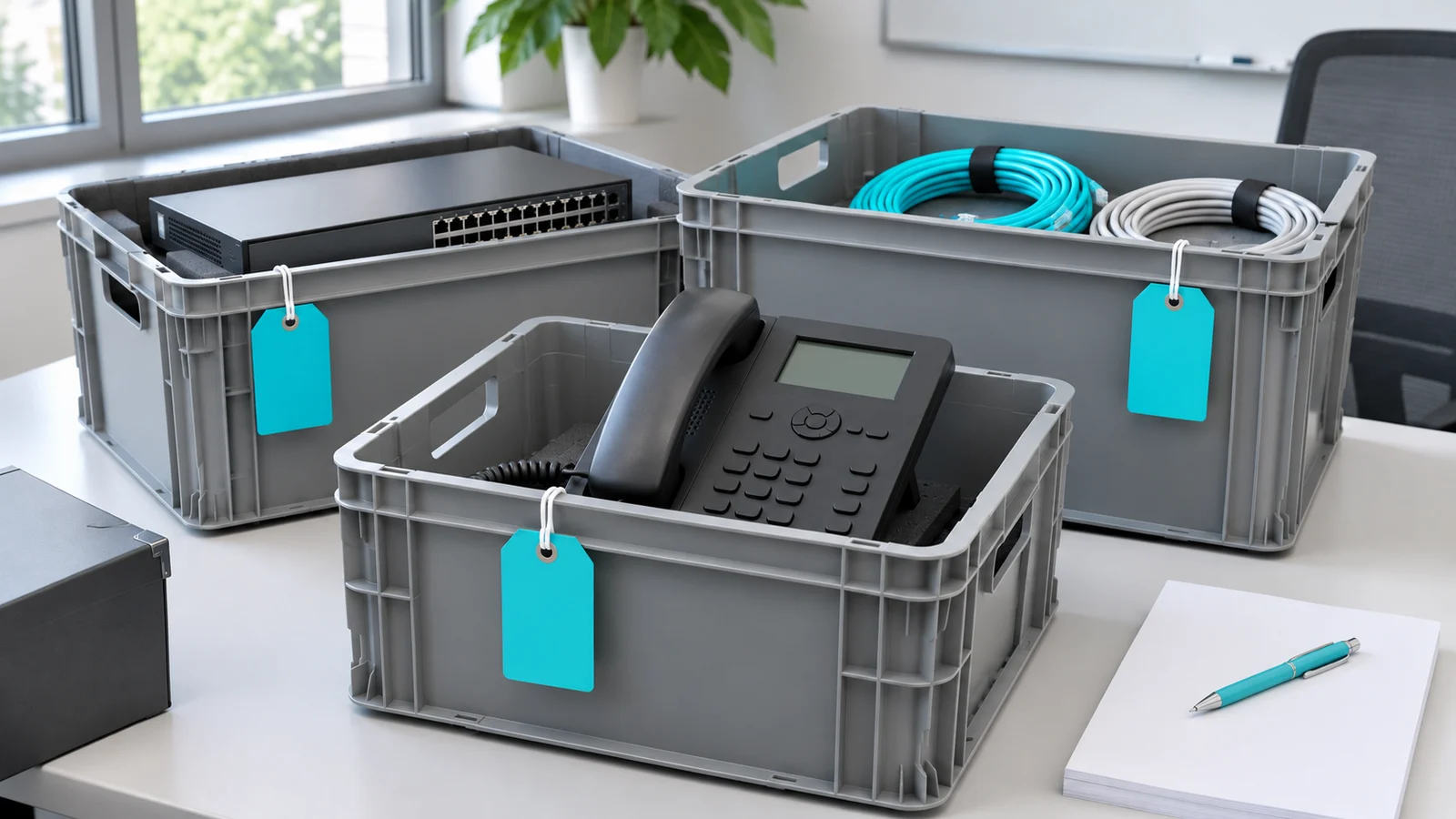
By mjunaid for TX Computing. Sources checked November 12, 2026. The cover is a generated conceptual illustration, not a customer installation.