
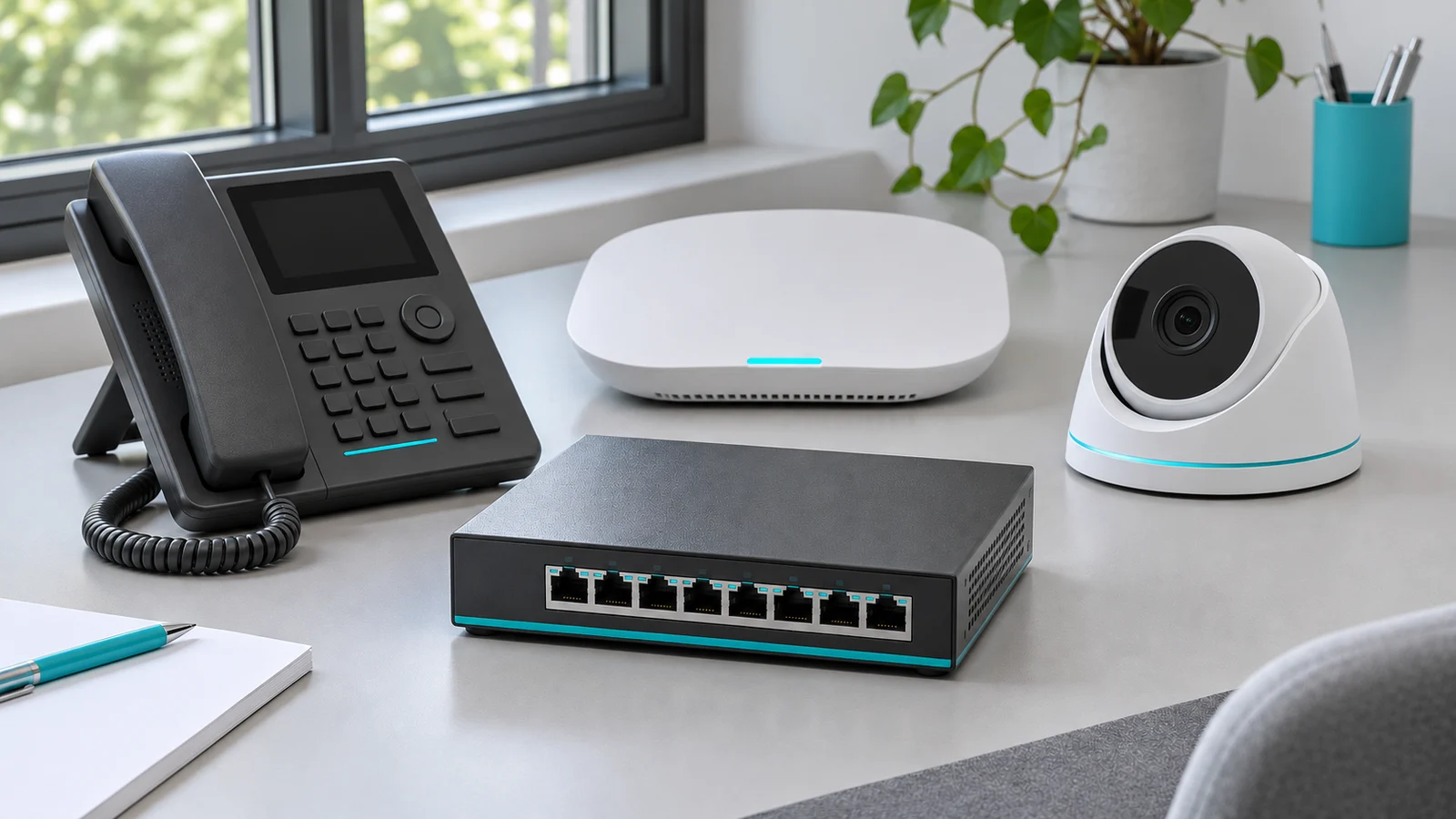
A switch can have enough Ethernet ports and still lack enough Power over Ethernet capacity. Check both the power available on each port and the total PoE budget supported by the installed power supplies and operating configuration.
Do not size the system from the devices’ quietest observed consumption. Cameras, access points and phones may request or consume more power when features activate, accessories connect or operating conditions change.
Build the budget from documented requirements
For each device model, record quantity, required PoE type, maximum power requirement and any reduced-function behavior when underpowered. Compare those requirements with the exact switch model and power-supply arrangement.
Cisco’s PoE configuration documentation explains detection, allocation and negotiation on the covered Catalyst platform. Other switches can allocate power differently. Keep switch-side allocation separate from a device-side consumption figure so cable losses or reserved capacity are not silently omitted.
An illustrative calculation
The following numbers are hypothetical planning allocations, not ratings for a particular product:
| Device class | Quantity | Assumed allocation each | Total |
|---|---|---|---|
| Phones | 8 | 10 W | 80 W |
| Access points | 3 | 25 W | 75 W |
| Cameras | 6 | 15 W | 90 W |
| Total planned allocation | 245 W |
If the verified available PoE budget were 300 W, the arithmetic would leave 55 W. That does not prove the design is ready: each port must still support its device, the allocation assumptions need validation and the remaining margin must cover the intended expansion and operating conditions.
Do not choose a universal spare-capacity percentage without considering the actual project. Write down what the margin is for—for example, two planned phones or a higher-power replacement access point—and calculate that requirement.
Check degraded operation too
Ask what happens if one power supply fails or a redundant arrangement changes. The available budget may differ from the headline maximum. Review port priorities and which devices could lose power if demand exceeds supply. Criticality should be a business decision, not an accidental result of port order.
After installation, record negotiated allocations, actual consumption and any denied-power or underpowered-device events. Test the features that drive demand, such as camera illumination or access-point radios, under an authorized acceptance procedure.
Include the switch and its powered devices in office UPS planning if they must continue working through a power interruption.
The switch’s own consumption and upstream UPS requirements are a separate sizing calculation; the PoE budget alone is not the whole cabinet load. Bring the completed device table to a network planning consultation before buying equipment or adding more powered devices.
By mjunaid for TX Computing. Sources checked November 12, 2026. The cover is a generated conceptual illustration, not a customer installation.