
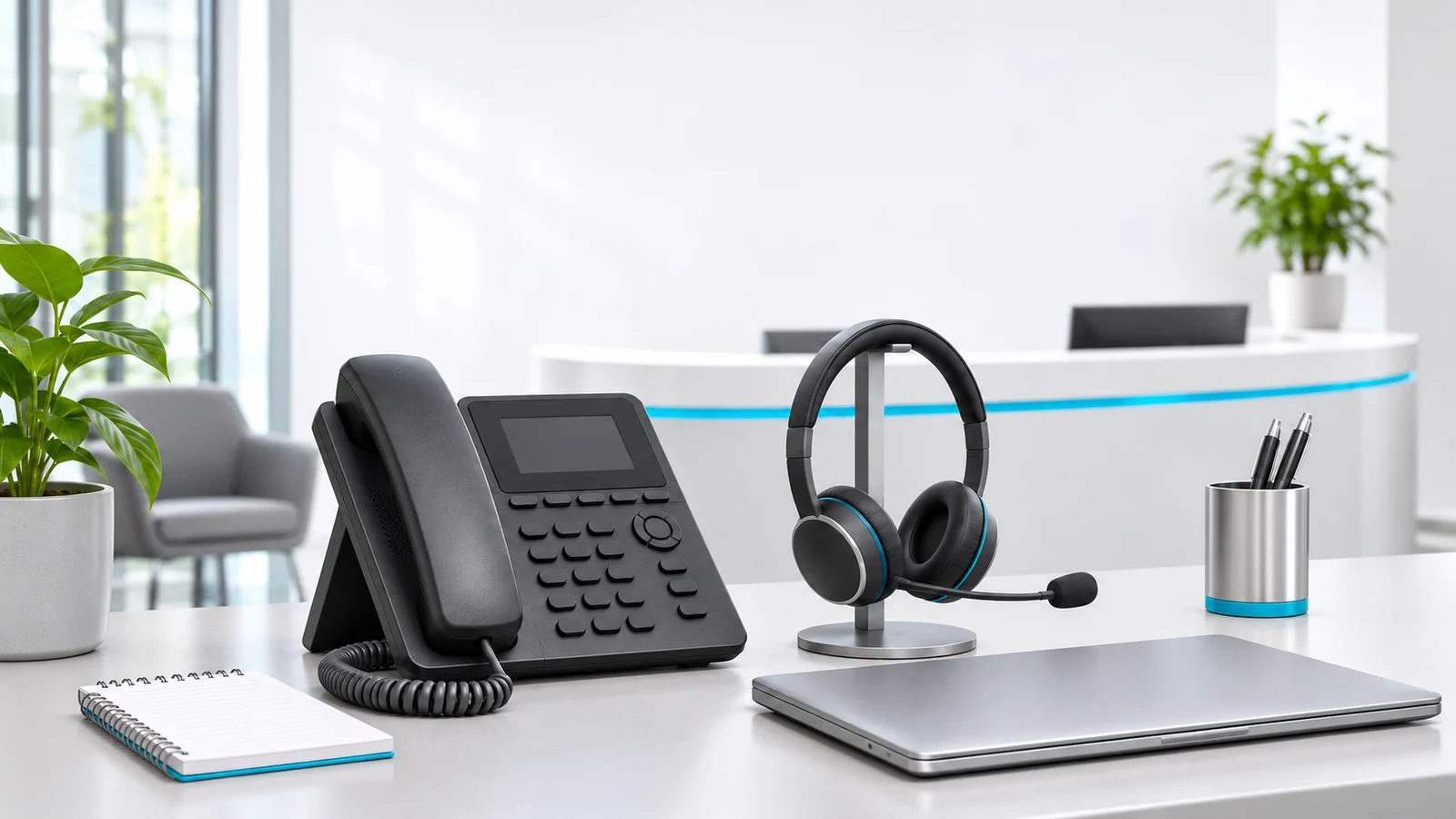
Choose the reception phone by testing the receptionist’s busiest call sequence. A desk phone offers a dedicated physical station; a softphone puts calling inside a computer application. Neither choice automatically makes transfers faster or keeps calls working during an outage.
The useful comparison is how each option handles the same work: answering while helping a visitor, finding a colleague, consulting before a transfer, returning to a caller and managing several calls without losing track.
Compare the whole station
| Requirement | Desk-phone questions | Softphone questions |
|---|---|---|
| Frequent handoffs | Are transfer controls easy to reach? | Can staff find and transfer without covering other work? |
| Shared reception shifts | Which account and permissions belong to the station? | How do shifts sign in and protect the previous user’s session? |
| Noise and comfort | Is the handset or supported headset suitable? | Are the headset, microphone and selected audio device reliable? |
| Power or network loss | What powers the phone and network equipment? | What happens to the computer, application and network? |
| Visitor-facing work | Can calls be handled with the computer occupied? | Can the application remain visible without exposing private information? |
A desk phone may still depend on the office switch, internet service and cloud provider. A laptop’s battery does not keep the router or internet connection operating. Treat continuity as a separate design decision.
Run the same trial on both
Ask the people who cover reception to perform five tasks: answer an outside call, consult a colleague before transferring, recover a call when that colleague does not answer, send a caller to the correct voicemail and handle a second incoming call while the first is held. Record errors and awkward steps, not just completion time.
Repeat with the actual headset and normal office noise. Check whether the secondary ringer is audible when the headset is off. Verify caller identity, presence information and voicemail access under the account that will really use the station. Microsoft documents capabilities such as delegation and transfer to voicemail in its Teams Phone feature overview; availability and behavior still need testing in the chosen configuration.
A shared phone is an account decision too
A lobby phone used by anyone differs from a receptionist’s individually assigned phone. Microsoft documents a distinct resource-account and licensing setup for common-area phones. Do not assume a shared device can simply inherit a departing employee’s sign-in.
For a dedicated receptionist who works heavily in business applications, a well-tested softphone and headset may fit. A physical station may suit rotating coverage or a desk where computer work frequently competes with calls. Some offices need both, but establish which device rings and which one staff should answer.
If the reception change includes a carrier move, review the number-porting acceptance steps separately from the choice of device.
Bring the trial results, coverage pattern and outage requirements to a business phone-system review. They provide a stronger purchasing basis than a feature list alone.
By mjunaid for TX Computing. Sources checked November 12, 2026. The cover is a generated conceptual illustration, not a customer installation.