
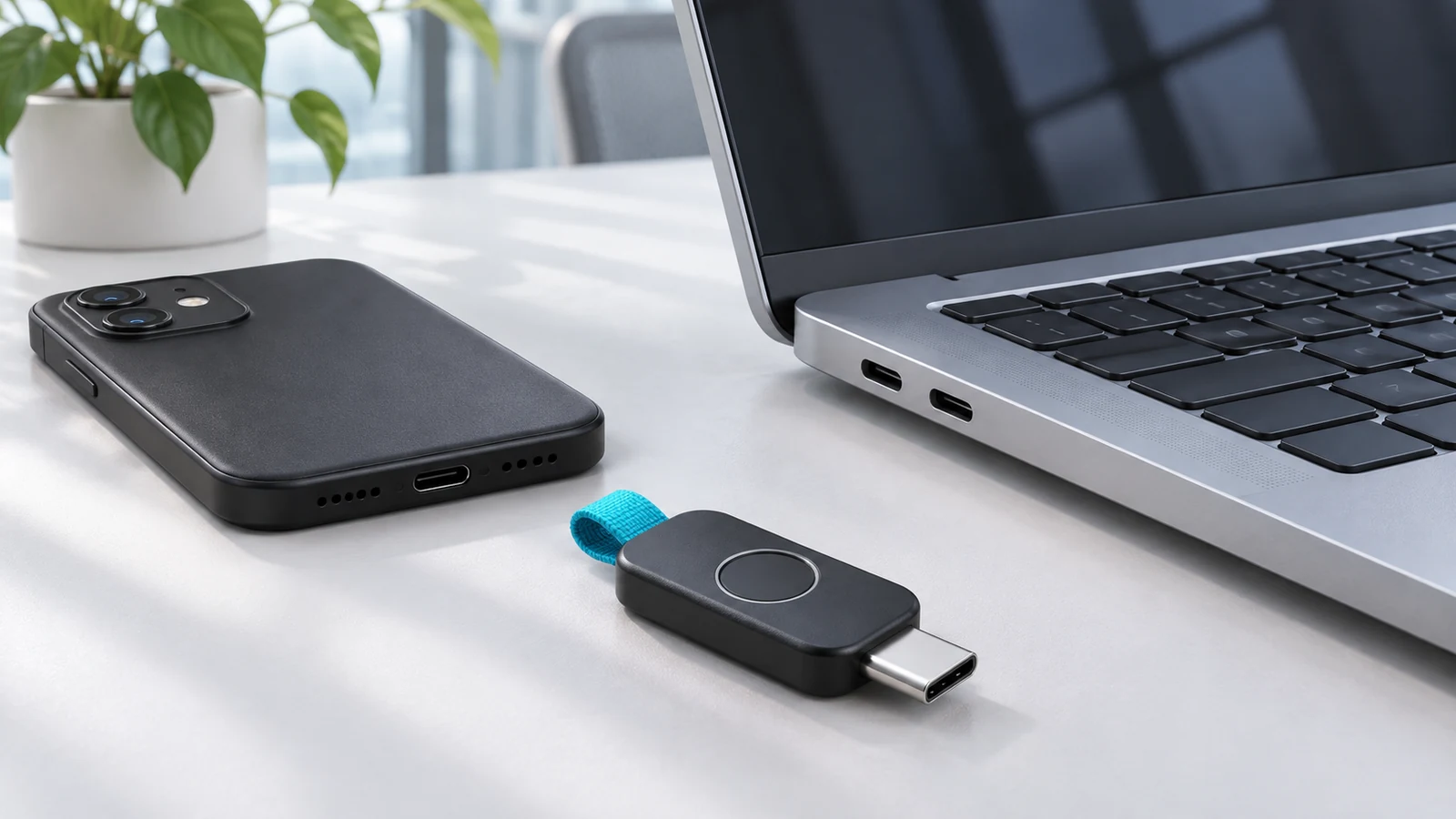
A passkey can provide phishing-resistant sign-in and, where the application and policy support it, satisfy a multifactor authentication requirement. It does not guarantee that every work application will stop asking for verification. Device changes, account recovery, application compatibility and access policies still matter.
Plan a passkey rollout around the work people must complete, including recovery when their usual device is unavailable. A successful demonstration on one laptop is a starting point, not a complete acceptance test.
What changes at sign-in
Passkeys use cryptographic credentials associated with the legitimate service. The person normally unlocks use of the credential with a device gesture such as a PIN or biometric check, rather than entering a reusable account password into a page. Microsoft explains that this binding helps resist phishing. Credential storage and availability across devices depend on the passkey provider and deployment. Microsoft: passkey questions and answers.
That protection applies to the authentication method. It is not a promise that a compromised device, an already stolen session or an improperly granted account permission becomes harmless. Keep endpoint protection, access reviews and session-response procedures in the plan.
Separate capability, policy and experience
First ask whether the application supports the credential. Next ask whether the organization’s policy accepts or requires it for that user and situation. Finally, test what the person actually experiences. Those three answers can differ across an organization’s applications.
Microsoft’s deployment guidance calls for readiness checks across applications, devices, browsers and user groups, along with registration and recovery planning. A method that works for one platform may not be available in the same way on another. Use current support documentation for the exact environment instead of treating “passkeys enabled” as a universal setting. Microsoft: deploying phishing-resistant authentication.
A pilot should include the awkward cases
| Scenario | Evidence to collect | Unresolved result means |
|---|---|---|
| Daily sign-in | Actual browser, operating system, application and credential type used. | Compatibility or configuration needs investigation. |
| A different approved device | How the user authenticates without assuming their usual credential is present. | The deployment may work only on the original device. |
| Lost phone or security key | A documented recovery route and identity-verification owner. | The user may be locked out or pushed into an unsafe workaround. |
| Remote work | The complete approved access path, including VPN or other access steps. | One application test did not cover the whole workflow. |
| Privileged administration | The required policy and separate administrator credential arrangements. | Everyday employee success does not establish administrator readiness. |
| Support investigation | Sign-in records showing the method and relevant policy result. | The team cannot yet explain an unexpected prompt or failure. |
Recovery deserves its own acceptance test
In an illustrative pilot, an employee signs in smoothly at their desk but cannot work after losing their phone. The authentication demonstration passed; the business process did not. Agree on recovery before expanding the rollout, and exercise the documented process with a test account under IT supervision.
Record who verifies the person, who can authorize a replacement method, what evidence is kept and how a lost credential is removed. Do not store the only recovery instructions behind the very account that might be inaccessible. A convenient fallback that bypasses the intended protection can undermine the rollout, so have the security owner review it.
Investigate prompts before removing controls
When someone reports another MFA prompt, capture the application, device, time and exact step. Let IT check the sign-in evidence and policy result. Avoid relaxing a broad policy simply because one route is inconvenient; the prompt may belong to a different application or access condition.
Passkeys fit into a wider business cybersecurity program. Bring an application list and the pilot worksheet to a security consultation to identify which sign-ins can change now and which need further preparation.
By mjunaid for TX Computing. Sources checked November 7, 2026. The cover is a generated conceptual illustration, not a customer installation.