
Discover 7 signs your business has outgrown basic IT monitoring tools and needs a smarter, customized platform.
A lot of businesses start out using basic employee monitoring software, a simple monitoring tool, or whatever comes built into their SaaS platforms and at first, it feels fine. You can see a few dashboards, maybe check system status, and assume everything is under control. Expert IT support often isn’t needed at this stage, until things start getting more complex.
As things grow, that “good enough” setup starts to fall apart. Modern IT environments aren’t simple anymore. You’ve got cloud apps, integrations, remote teams, and constantly changing workflow demands. Somewhere in all of that, important issues start slipping through the cracks – things that quietly hurt productivity before anyone even notices.
That’s why people eventually start asking real questions like “why is technology monitoring important” and “why is a monitoring system important” once things get messy. This guide walks through the 7 signs you need a better, customized monitoring platform – not just another basic dashboard that looks helpful but doesn’t actually keep up.
Why Technology Monitoring Matters More Than Ever
If you step back for a second, it becomes obvious why technology monitoring is important today. It’s because everything runs on it. Your business probably depends on multiple SaaS tools, cloud systems, internal apps, and automated processes that all need to work together in one smooth workflow. When even one piece breaks, you feel it immediately in productivity, delays, or customer complaints.
That’s also where automation comes in. Instead of waiting for someone to notice an issue, modern employee monitoring software and monitoring system setups can track metric changes in real time, trigger alerts, and even help fix small issues automatically. At this point, monitoring is part of how your entire workflow stays alive and stable.
What an IT Monitoring Platform Actually Does
An IT monitoring platform is basically your system’s early warning brain. Instead of waiting for something to break and scrambling to fix it, it constantly watches over your environment and flags issues before they turn into real problems.
At its core, it tracks system health in real time like server uptime, application performance, and network stability. If something starts slowing down or behaving oddly, it doesn’t just sit there quietly. It picks it up.
Your IT monitoring platform also helps detect performance issues early. Maybe an app is running slower than usual or a cloud service is spiking in usage. That’s exactly the kind of thing a monitoring platform is built to catch before users even notice.
Another big piece is spotting unusual activity. That could be anything from strange login patterns to unexpected data spikes or integration errors across your SaaS tools. It’s less about “what’s broken” and more about “what doesn’t look right.” When something does go off track, the platform alerts IT teams right away – often before a full failure happens. That means less firefighting and more controlled response.
Over time, all of this supports proactive maintenance. Instead of reacting to constant issues, teams can actually fix weak points early, improve stability, and keep systems running smoothly in the background.
Sign #1 – You’re Constantly Reacting to IT Problems
If your IT team is always in “fix it now” mode, that’s a big red flag. When problems are only caught after users complain, your monitoring system isn’t doing its job properly. It becomes reactive instead of proactive.
That kind of setup kills productivity fast. People are constantly interrupted, issues pile up, and the workflow never feels stable. Good employee monitoring software changes this by using real-time alert systems and automation so issues get caught early before they turn into full-blown outages.
Sign #2 – Your Business Has Grown Beyond Basic Monitoring Tools
This one sneaks up on a lot of companies. A monitoring tool that worked perfectly when you were smaller suddenly starts feeling limited once your SaaS environment grows. That’s when gaps start forming. A basic setup just can’t handle the workload anymore.
You need a proper monitoring platform that supports automation, integrates everything, and scales with your business instead of holding it back. At this stage, many organizations also start working with managed IT services to help bridge the gap between growing complexity and limited in-house IT capacity.
Sign #3 – You Lack Visibility Across Critical Systems
This is where things get risky. When your monitoring system doesn’t cover everything, you start losing visibility and that’s where problems hide. You might be tracking one system well, but missing another completely. Common visibility gaps include cloud infrastructure performance, network activity, endpoint behavior, security logs and events, and integration issues between tools.
When that happens, your employee monitoring software setup becomes fragmented. You’re not seeing the full picture, and that affects decision-making across your entire workflow. A stronger monitoring platform fixes this by pulling everything into one place with better analytics and visibility.
Sign #4 – Downtime Is Affecting Productivity and Revenue
Downtime is one of those things you don’t fully appreciate until it starts costing money. When systems go down, your workflow stops immediately. Work gets delayed, customers get frustrated, and productivity drops across the board.
If your monitoring tool is slow to detect issues, that downtime lasts longer than it should. That’s why automation matters here as it helps detect and respond faster, so small issues don’t turn into major disruptions that hurt revenue and operations.
Sign #5 – Security Threats Are Becoming Harder to Detect
Cyber threats rarely show up in obvious ways. More often, they start as small, subtle anomaly patterns like unusual logins, minor data spikes, or activity that doesn’t quite match normal workflow behavior inside your SaaS systems.
The problem is, basic employee monitoring software or a standard monitoring tool often treats everything as normal until something clearly breaks. That means early warning signs can slip through unnoticed.
A customized monitoring system helps by learning what “normal” looks like across your environment. It uses smarter automation and real-time alert detection to flag suspicious behavior early, not after a breach has already started.
With a stronger monitoring platform, you get better visibility across users, systems, and integrations, so threats are identified faster and your workflow stays protected.
Sign #6 – Your Alerts Are Too Generic or Too Frequent
Too many alerts can be just as bad as not enough. If your monitoring tool is constantly sending notifications for everything, your team starts ignoring them. That’s alert fatigue in action.
Instead of helping, it actually slows down response time. A better monitoring system filters alerts based on what actually matters to your workflow, using automation to prioritize real issues over noise. That alone improves productivity a lot.
Sign #7 – Your IT Strategy Is Becoming More Complex
As businesses grow, everything gets more layered. You end up with more SaaS tools, more integrations, and more teams working across different systems. That increases workflow complexity and makes everything harder to manage.
Without a unified system, you get overlapping tools, inconsistent data, and a lot of unnecessary management overhead. A strong monitoring platform helps bring everything together. It improves automation, supports better project management, and keeps your IT strategy from turning into chaos.
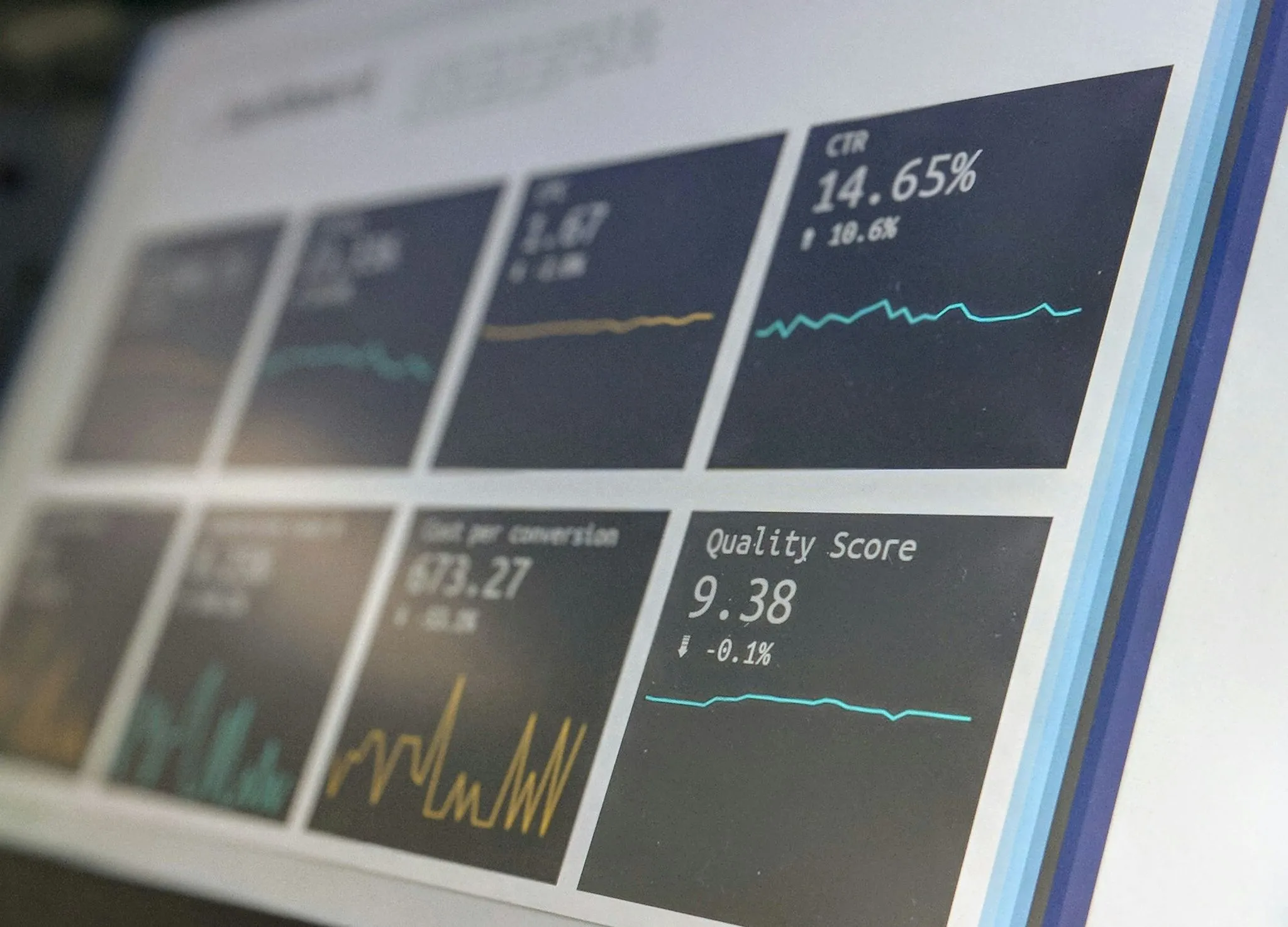
IT professional viewing a system monitoring dashboard on a laptop

Why a Customized Monitoring System Is a Smart Business Investment
At the end of the day, a customized monitoring system makes things easier. It gives you better visibility, stronger control, and a clearer view of your entire workflow. More importantly, it helps reduce downtime, improve productivity, and support smarter automation across systems.
When you understand why a monitoring system is important, it becomes less about tools and more about control and stability. If your current monitoring tool feels like it’s falling behind your business, that’s usually a sign it’s time to upgrade.
Texas Communication Services helps businesses figure out what’s missing in their employee monitoring software, clean up visibility gaps, and build monitoring setups that actually work in real-world environments.
If your systems feel harder to manage than they should be or your workflow keeps getting interrupted by avoidable issues, it might be time to rethink your setup. Contact Texas Communication Services to build a smarter monitoring system that keeps up with your business.